Managing multiple Airbnb properties means juggling endless tasks: responding to booking inquiries, updating calendars across platforms, sending check-in instructions, and coordinating cleanings. When you're manually copying booking details between spreadsheets at midnight or rushing to send the WiFi password to a guest who just arrived, you know there has to be a better way. This …


Managing multiple Airbnb properties means juggling endless tasks: responding to booking inquiries, updating calendars across platforms, sending check-in instructions, and coordinating cleanings. When you’re manually copying booking details between spreadsheets at midnight or rushing to send the WiFi password to a guest who just arrived, you know there has to be a better way.
This guide shows you exactly how to automate these repetitive hosting tasks. You’ll learn to set up workflows that sync bookings automatically, send personalized messages at the right time, and keep your calendars perfectly aligned across all platforms. The best part? Once configured, these automations run 24/7 without your input.
Who This Guide Is For: Airbnb hosts managing one or more properties who want to reduce manual work and provide consistent guest experiences. Whether you’re tech-savvy or just getting started with automation, you’ll find methods that match your skill level.
Method 1: Sync Airbnb Bookings to Google Calendar Using Zapier
When a new booking comes through Airbnb, this workflow automatically creates a detailed calendar event in Google Calendar. Perfect for hosts who rely on Google Calendar for scheduling cleaners, maintenance, and personal planning.
How to implement it:
- Create a Zapier account and connect your Airbnb host account
- Set up a new Zap with “Airbnb” as the trigger app
- Choose “New Booking” as the trigger event
- Connect Google Calendar as your action app
- Select “Create Detailed Event” as the action
- Map the booking details:
– Event Title: Guest Name + Property Name
– Start Date/Time: Check-in date and time
– End Date/Time: Check-out date and time
– Description: Guest contact info, number of guests, special requests - Add a color label (like red for bookings) to distinguish from other calendar events
- Test the Zap with a sample booking and turn it on
Tips:
- Create a separate calendar called “Airbnb Bookings” to keep hosting events organized
- Add the cleaning buffer time by adjusting the end date formula to include your turnover hours
- Use Zapier’s formatter to combine guest first and last names into a single field
What to expect: Your Google Calendar becomes a real-time reflection of your Airbnb bookings. No more manual entry means no double bookings or forgotten reservations. Cleaners and co-hosts with calendar access stay automatically informed.
Method 2: Automate Guest Messaging with Make.com Templates
Set up message sequences that send at exactly the right time: booking confirmations, pre-arrival instructions, check-in details, and post-stay reviews. Make.com’s visual builder lets you create complex logic like sending different messages based on the property or length of stay.
How to implement it:
- Sign up for Make.com and install the Airbnb integration
- Create a new scenario starting with the Airbnb “Watch Bookings” module
- Add a Router module to create different message paths
- Set up timing with the Sleep module:
– Path 1: Immediate booking confirmation
– Path 2: 3 days before arrival (check-in instructions)
– Path 3: Day of arrival at 2 PM (door code and WiFi)
– Path 4: 1 day after checkout (review request) - Use the Airbnb “Send Message” module for each path
- Personalize messages with booking data:
– {{guest.firstName}} for personal touch
– {{booking.listingName}} for property-specific details
– {{booking.checkInDate}} formatted for readability - Add error handling to retry failed messages
- Schedule the scenario to run every 15 minutes
Tips:
- Store message templates in a data store for easy editing without touching the workflow
- Include conditional logic to send different WiFi passwords for different properties
- Test thoroughly with your own test bookings before going live
Code example:
{
  "message": "Hi {{guest.firstName}}, Welcome to {{booking.listingName}}! Your check-in is confirmed for {{formatDate(booking.checkInDate, 'MMMM D')}}. You'll receive detailed instructions 3 days before arrival. Looking forward to hosting you!",
  "bookingId": "{{booking.id}}",
  "sendTime": "immediate"
}
What to expect: Guests receive timely, professional communication without you lifting a finger. Response time drops from hours to minutes, and you’ll never forget to send important information. Guest satisfaction scores typically improve when communication is consistent and timely.
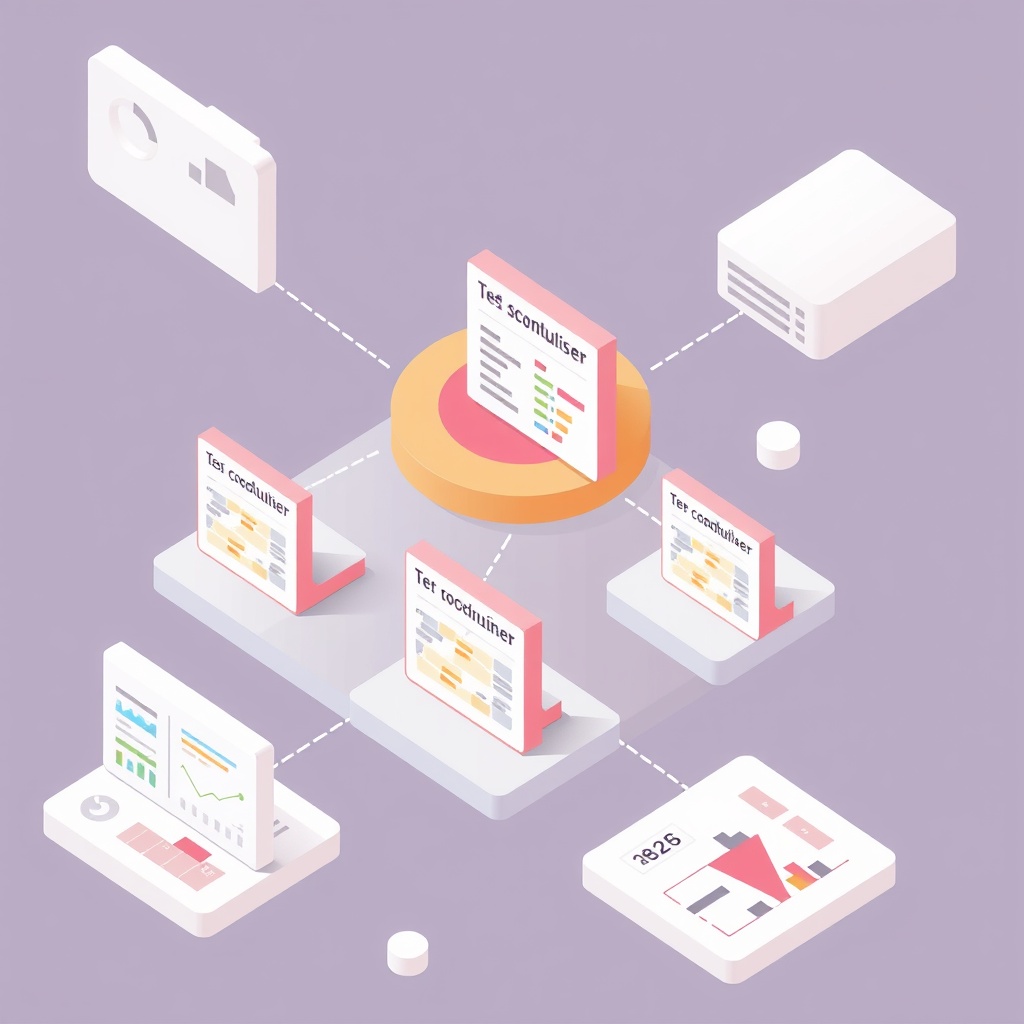
Method 3: Multi-Platform Calendar Sync with Airtable as Central Hub
Use Airtable as your master calendar that syncs bidirectionally with Airbnb, VRBO, Booking.com, and your direct booking website. This method prevents double bookings and gives you one place to manage everything.
How to implement it:
- Create an Airtable base with a “Bookings” table including fields:
– Property (single select)
– Guest Name (text)
– Check-in Date (date)
– Check-out Date (date)
– Platform (single select: Airbnb, VRBO, etc.)
– Status (single select: Confirmed, Tentative, Cancelled)
– Total Price (currency)
– Guest Email and Phone (text) - Install the Airtable Sync extension for each platform
- Configure two-way sync for Airbnb:
– Import new bookings to Airtable every hour
– Push calendar blocks from Airtable to Airbnb - Set up similar syncs for other platforms using their APIs
- Create filtered views:
– “This Week’s Check-ins” sorted by date
– “Upcoming Cleanings” showing checkout dates
– “Revenue by Property” with rollup fields - Build automations in Airtable:
– Send Slack notification for new bookings
– Create calendar blocks on all platforms when manual booking added
– Flag conflicting dates automatically
Tips:
- Use Airtable’s calendar view for visual availability checking
- Set up form view for adding direct bookings quickly
- Color-code records by platform to spot patterns
What to expect: One source of truth for all bookings eliminates confusion and double-booking anxiety. You can block dates across all platforms instantly, and your cleaning crew can access their schedule without seeing financial details.
Method 4: Automated Review Management with n8n
Build a self-hosted workflow that monitors guest checkouts, sends review reminders, tracks who’s left reviews, and even drafts personalized review text based on templates. This ensures you never miss the review window and maintains your Superhost status.
How to implement it:
- Install n8n on your server or use n8n Cloud
- Create a workflow triggered by webhook from your booking system
- Add a Wait node set to 1 day after checkout time
- Query Airbnb API to check if guest has left a review
- Branch the workflow:
– If review exists: Send thank you message
– If no review: Send friendly reminder - Add another Wait node for 5 days
- Check again and send final reminder if needed
- Store review status in a Google Sheet with columns:
– Guest name
– Checkout date
– Review left (Yes/No)
– Review content
– Your review submitted (Yes/No) - Create a sub-workflow that generates review text using templates
Tips:
- Keep review templates varied to avoid sounding robotic
- Track guests who don’t leave reviews to identify patterns
- Set up alerts for negative reviews requiring immediate attention
Code example:
{
  "reviewTemplate": "{{guestName}} was a wonderful guest! They treated {{propertyName}} with care, communicated clearly, and left everything tidy. Would happily host again!",
  "variables": {
    "guestName": "Sarah",
    "propertyName": "Seaside Cottage"
  }
}
What to expect: Your review submission rate increases significantly, helping maintain high visibility in search results. The systematic approach ensures every guest gets reviewed within the 14-day window, and you’ll build a database of review patterns over time.

Method 5: Smart Pricing Updates Based on Local Events
Automatically adjust your Airbnb prices when local events, weather, or competitor rates change. This workflow monitors multiple data sources and updates pricing to maximize revenue without constant manual tweaking.
How to implement it:
- Set up accounts with PriceLabs or Wheelhouse for dynamic pricing
- Create a Make.com scenario that runs daily
- Add modules to check:
– Local event calendars via API
– Weather forecasts for your area
– Competitor pricing (web scraping module)
– Your current occupancy rate - Build pricing logic:
– If major event within 2 miles and occupancy < 70%: Increase 20%
– If rain forecast for weekend: Decrease 10%
– If competitors average 15% higher: Increase to match - Use the HTTP module to update prices via Airbnb API
- Log all price changes to a spreadsheet with:
– Date of change
– Old price vs new price
– Trigger reason
– Resulting bookings - Set minimum and maximum price limits to prevent extreme fluctuations
Tips:
- Start with conservative price adjustments and increase based on results
- Blackout dates around existing bookings to honor confirmed rates
- Review logs monthly to refine your pricing rules
What to expect: Your pricing stays competitive without daily manual research. Properties near event venues see the biggest impact, often capturing last-minute bookings at premium rates. The data you collect helps refine pricing strategy over time.
Frequently Asked Questions
Q: Do these automations work with Airbnb’s API restrictions?
Yes, all methods described use official integrations or approved third-party tools. Airbnb’s partner integrations with Zapier, Make.com, and major channel managers are designed for hosts to automate safely. Always use API tokens properly and avoid scraping guest data.
Q: How much do these automation tools cost?
Basic plans start around $20-30/month: Zapier’s Starter ($19.99), Make.com’s Core ($10.59), or n8n Cloud ($22). Free tiers work for testing but usually limit the number of automated tasks. Airtable offers a generous free plan sufficient for small hosts. Consider the hours saved—most hosts recover costs by automating just 2-3 hours of monthly work.
Q: What if I manage properties on multiple platforms beyond Airbnb?
The Airtable hub method (Method 3) works best for multi-platform hosts. Most channel managers like Hospitable or Guesty also offer APIs that integrate with these automation tools. Build your workflows to pull from all sources into one system rather than creating separate automations per platform.
Q: Can guests tell that messages are automated?
When done well, automated messages feel more professional, not robotic. Use merge fields for personalization, vary your templates, and include property-specific details. The key is timing—sending check-in instructions at 3 PM on arrival day feels thoughtful, not automated.
Q: How long does it take to set up these automations?
Simple workflows like calendar syncing take 30-60 minutes. Complex multi-step automations might need 2-4 hours including testing. Start with one automation, perfect it, then expand. Most hosts see time savings within the first week that exceed setup time.
Q: What happens if an automation fails?
Build in error notifications from day one. Most tools can email or Slack you when something breaks. Add fallback steps like retry attempts or alternative actions. Keep manual access to all systems as backup—automation should enhance your hosting, not create dependencies.
Conclusion
Automating your Airbnb hosting tasks isn’t about removing the human touch—it’s about freeing yourself to focus on what matters: creating great guest experiences and growing your business. Start with one workflow that addresses your biggest pain point. Calendar syncing or guest messaging automations typically deliver the quickest wins.
As you get comfortable with automation, expand gradually. Connect more tools, add conditional logic, and refine based on what you learn. The hosts who thrive long-term are those who build systems that scale with their business. Whether you’re managing one property or twenty, these automations grow with you.
Need help implementing these workflows? WorkflowDone.com specializes in automation solutions for property managers and hosts. Contact us at hi@workflowdone.com for a free consultation about our automation services tailored to your hosting needs.